All Features
Everything MarkView offers for reading Markdown. Free for macOS, Windows, and Linux, with no account or document uploads required.
Documents & Rendering
- Markdown. Headings, lists, tables, blockquotes, images, and read-only checklists.
- Mermaid diagrams. Flowcharts, sequence diagrams, class diagrams, and more, rendered inline.
- LaTeX math. Inline and display equations, with copying as TeX.
- Code highlighting. Syntax highlighting for common programming languages.
- Extra formatting. Footnotes, emoji, subscripts, and superscripts.
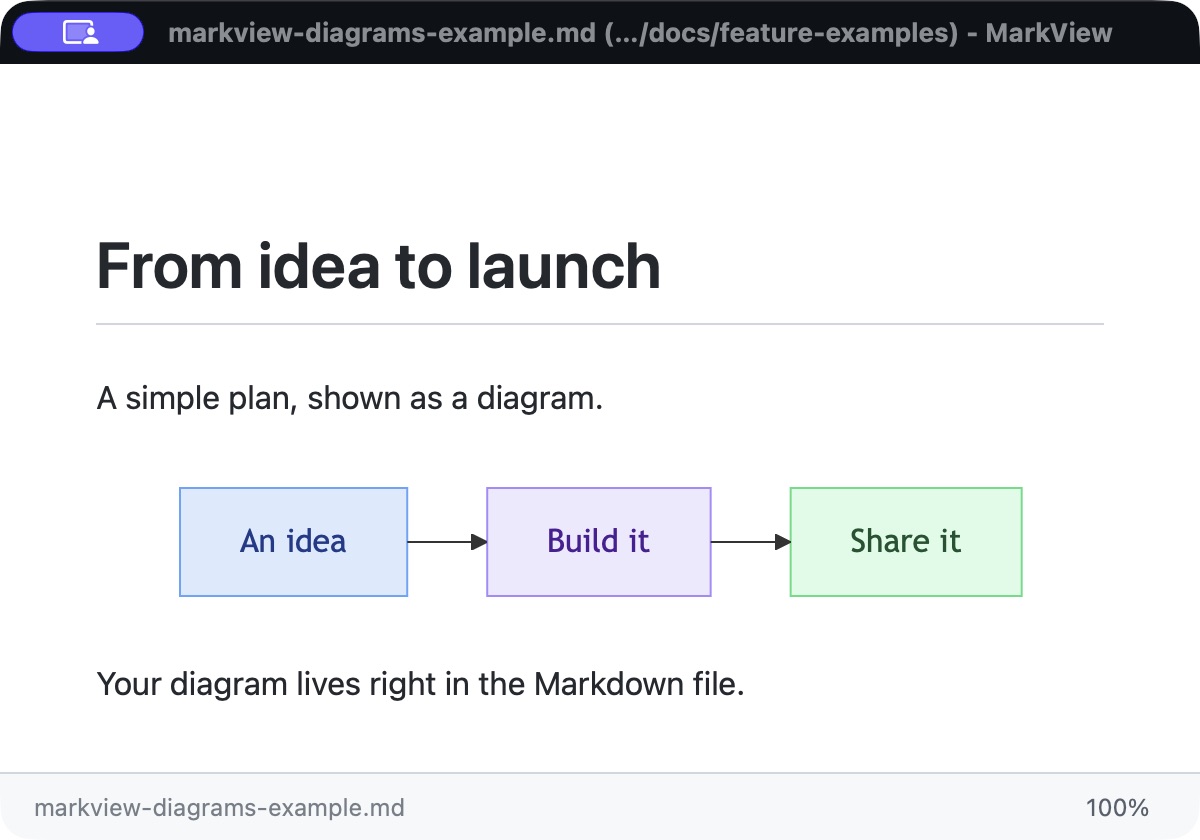
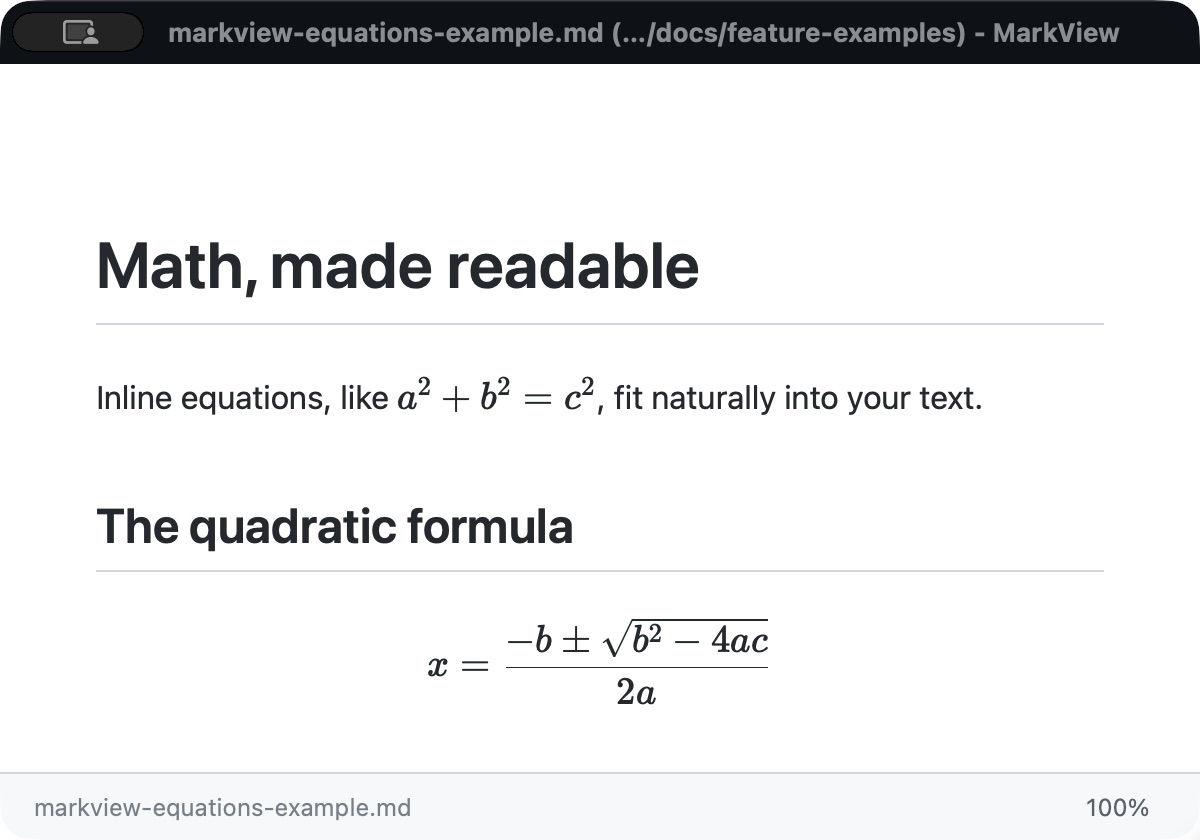
Actual MarkView screenshots. Click any image for a closer look.
Search & Navigation
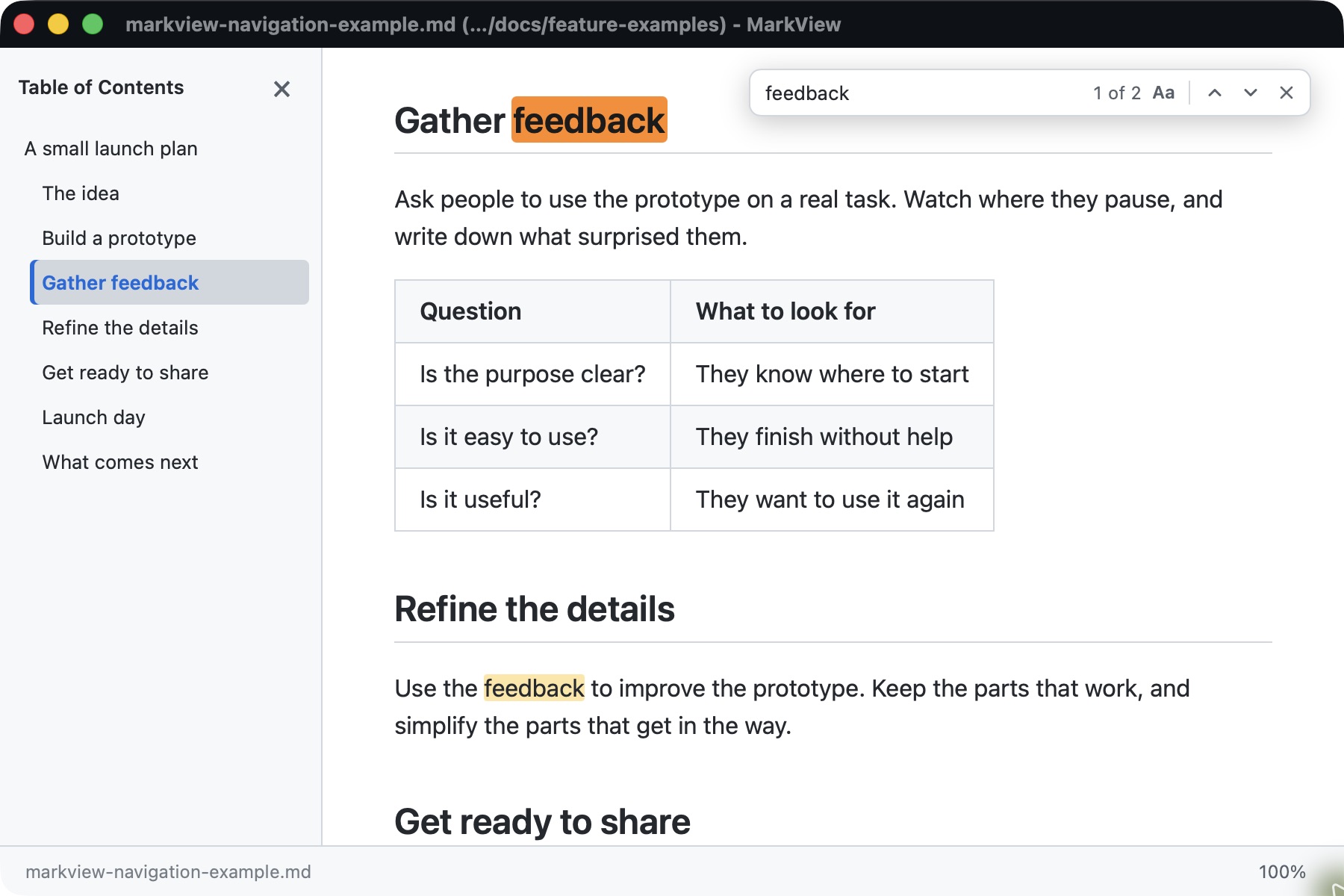
- Table of contents. Jump to headings and follow the current section as you scroll. Choose On, Off, or Auto.
- Find in document. Highlighted matches, a match count, and next/previous results with Cmd/Ctrl+F.
- Document links. Follow heading links and links to other local Markdown files.
- Back & Forward. Return to linked documents with your reading position preserved.
- Recent files. Reopen documents from the welcome screen or File menu, with folder context for matching names.
Reading & Printing
- Themes. Light, dark, or automatic system appearance.
- Zoom. Adjust text size with keyboard shortcuts; your preference is remembered.
- Full width. Give wide tables, code blocks, and diagrams more room.
- Print. A clean, light print layout, even when reading in dark mode.
Opening & Everyday Tools
- Open files. Drag and drop, use File → Open, or launch with a file from the command line.
- Set as Default. Make MarkView your default Markdown viewer on Mac or Windows.
- Reload. Refresh manually or automatically when a file changes, preserving your scroll position.
- File location. Copy the full file path or reveal the document in Finder or File Explorer.
- Keyboard shortcuts. Quick access to common actions, with a built-in shortcut reference.
- Updates. Check for new versions from within the app.
Local & Private
Your Markdown files stay on your computer. Local text, diagrams, and math work offline; externally hosted images need a connection.
← Back to highlights